Digital crown design has become the standard pathway for single units and short-span restorations in practices worldwide. The workflow from intraoral scan to seated crown involves clinical preparation, margin definition, CAD design, and manufacturing quality control. Our restorative design service handles the CAD stages while clinics manage scanning and delivery through a coordinated workflow. This guide walks through each step for predictable crown outcomes.
Why a Structured Workflow Matters
- Consistent margin accuracy through digital scan data rather than impression distortion
- Faster turnaround when CAD design is outsourced and crowns are milled same-day or next-day
- Material flexibility—design once and mill from zirconia, lithium disilicate, or PMMA
- Digital archive enabling exact remake fabrication without new impressions
Where It Fits in Treatment Planning
This scan-to-restoration sequence applies across single-unit and short-span cases, though margin visibility and occlusal clearance requirements shift the level of review needed at each stage.
- Single posterior crowns on vital and endodontically treated teeth
- Anterior crowns and veneers requiring aesthetic CAD design with shade characterization
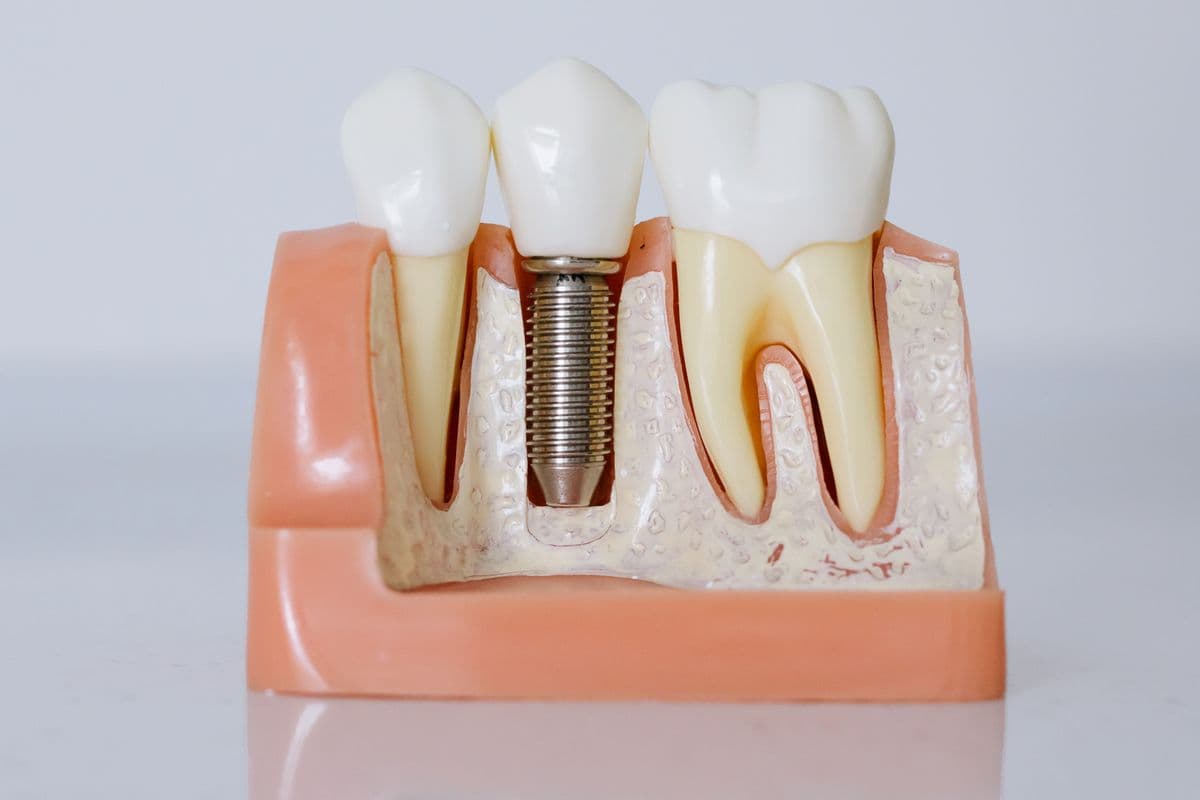
- Implant crowns designed from scan body captures with emergence profile optimization
- Multi-unit anterior restorations with shared aesthetic design parameters
The Digital Workflow, Step by Step
Each step in this workflow is a checkpoint against the two failure modes that cause the most crown remakes: inaccurate margins and inadequate occlusal clearance.
- Prepare the tooth with appropriate margin design and capture intraoral scan with adjacent contacts
- Submit scan with prescription specifying material, shade, and occlusal preferences
- Designer identifies margin, creates crown anatomy, and sets cement gap and spacer parameters
- Review design preview if requested, then mill or print the restoration from approved CAD file
- Seat the crown with appropriate cementation protocol and verify contacts and occlusion

Best Practices
- Ensure clear margin visibility in the scan with retraction cord or paste before scanning
- Scan the preparation and adjacent teeth in a single session to maintain spatial relationship
- Specify material in the prescription so designers optimize wall thickness and connector design
- Verify interproximal contacts and occlusion with fine adjustments at delivery rather than remilling
Common Pitfalls
- Scanning without adequate margin exposure, forcing designers to estimate margin position
- Omitting opposing arch scan data needed for accurate occlusal design
- Requesting material changes after design approval without redesign for thickness parameters
- Ignoring cement gap settings that affect seating force and marginal adaptation
“Most crown remakes trace back to a margin or contact issue that was visible on the scan the whole time—design review exists to catch exactly that.”
Conclusion
Strong outcomes in digital crown design workflow: from scan to final restoration depend on clear clinical goals, accurate records, and a planning partner who understands manufacturing requirements. Explore our specialist service, review the case submission workflow, or contact our team to discuss your next case.